Free Website Audit Checklist for Bradenton Small Businesses
Website Fixes
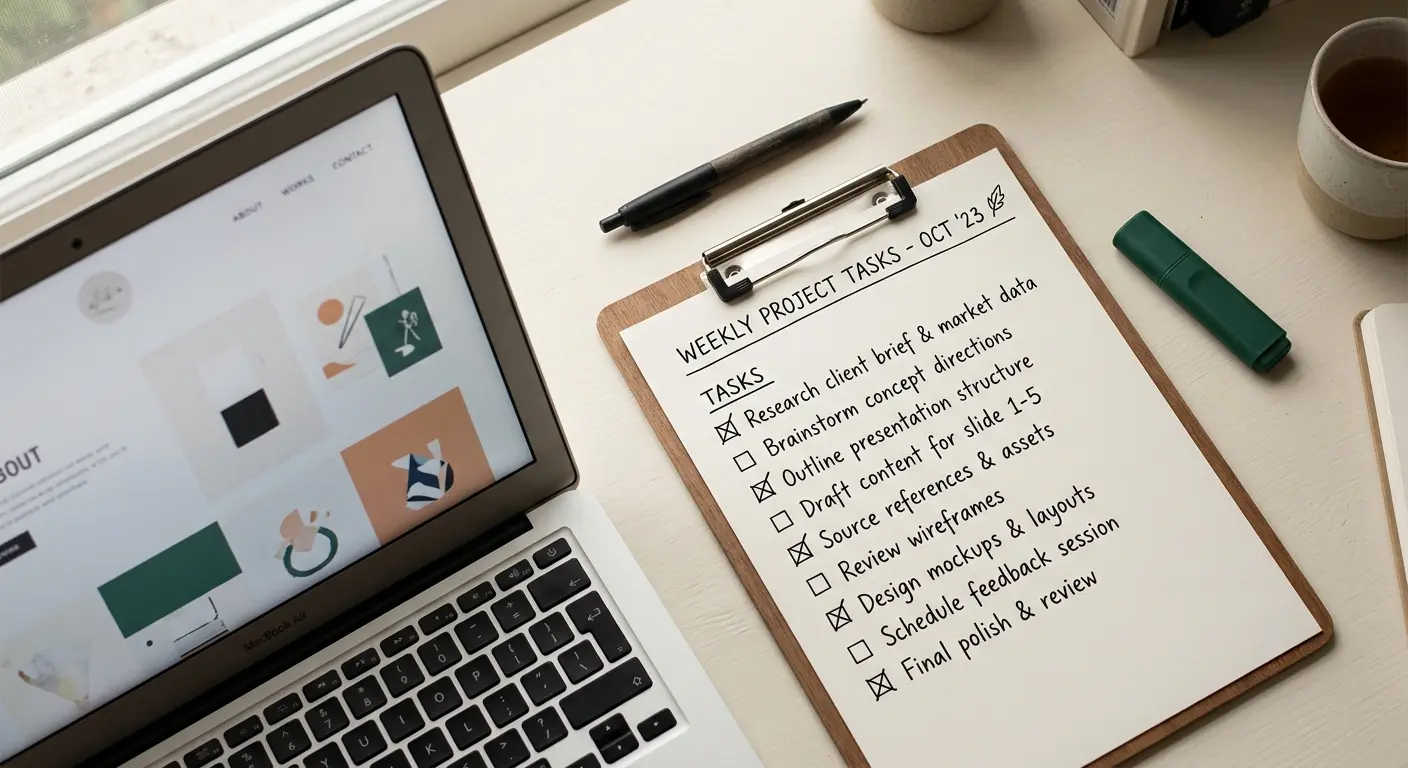
Most business owners have a vague sense that their website "could probably be better." Vagueness isn't useful. This checklist replaces the vague feeling with a specific list. Eight categories, checkable items, and the actual reasoning behind each one, so you're not just checking boxes blind.
Set aside ten minutes, pull up your site, and go through it section by section. Keep a rough tally as you go.
Key Takeaways
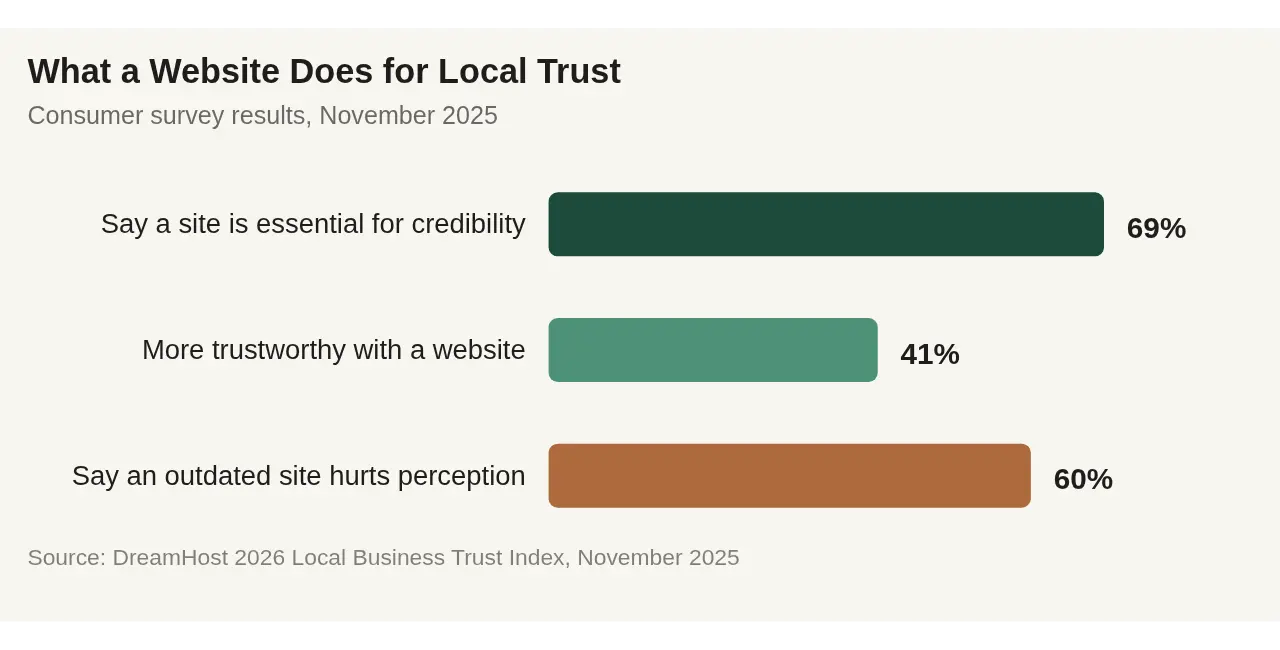
69% of consumers say a website is essential for a local business to be seen as credible, and businesses with one are perceived as 41% more trustworthy (DreamHost 2026 Local Business Trust Index, November 2025).
60% of consumers say an outdated-looking website hurts their perception of a business's quality, and 34% name outdated or inaccurate information as their biggest website frustration (DreamHost, 2025).
46% of people won't enter their name or payment details on a site flagged "not secure," and 64% of those leave instantly (Search Engine Land).
This is a self-audit, not a sales pitch. Most sites fail a few categories and pass most of them.
Category 1: First Impressions & Trust Signals
Does the homepage say what you do and where you're located, without scrolling?
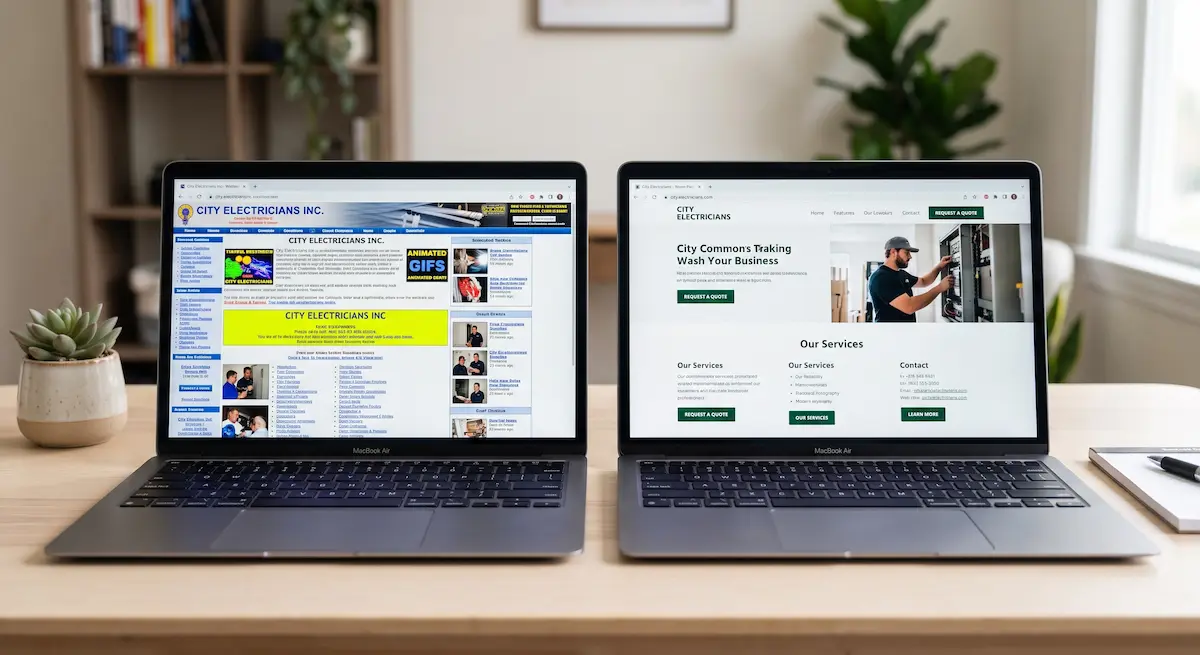
Does the design look current, not dated?
Are your photos real photos of your business, not generic stock images?
Is there a way to verify you're a real, established business (reviews, years in business, real address)?
This category carries more weight than it seems. 69% of consumers say a website is essential for a local business to be seen as credible, and businesses with a website are perceived as 41% more trustworthy than those without one (DreamHost, November 2025). Real, authentic photos matter specifically. 47% of consumers say they want to see genuine photos of the team or location, not stock imagery.
7 signs your Bradenton business website needs a rebuild
Category 2: Contact & Findability
Is your phone number visible on every page, not just a "Contact" page?
Is the phone number clickable on mobile?
Are your hours current and accurate?
Is your address correct and does it match your Google Business Profile?
67% of consumers say clear contact information is one of the things they value most on a business website (DreamHost, 2025). This is the cheapest, fastest fix on this entire checklist. If your hours or phone number are wrong, that's a five-minute correction with an outsized impact on whether someone actually reaches you.
Category 3: Speed & Mobile Usability
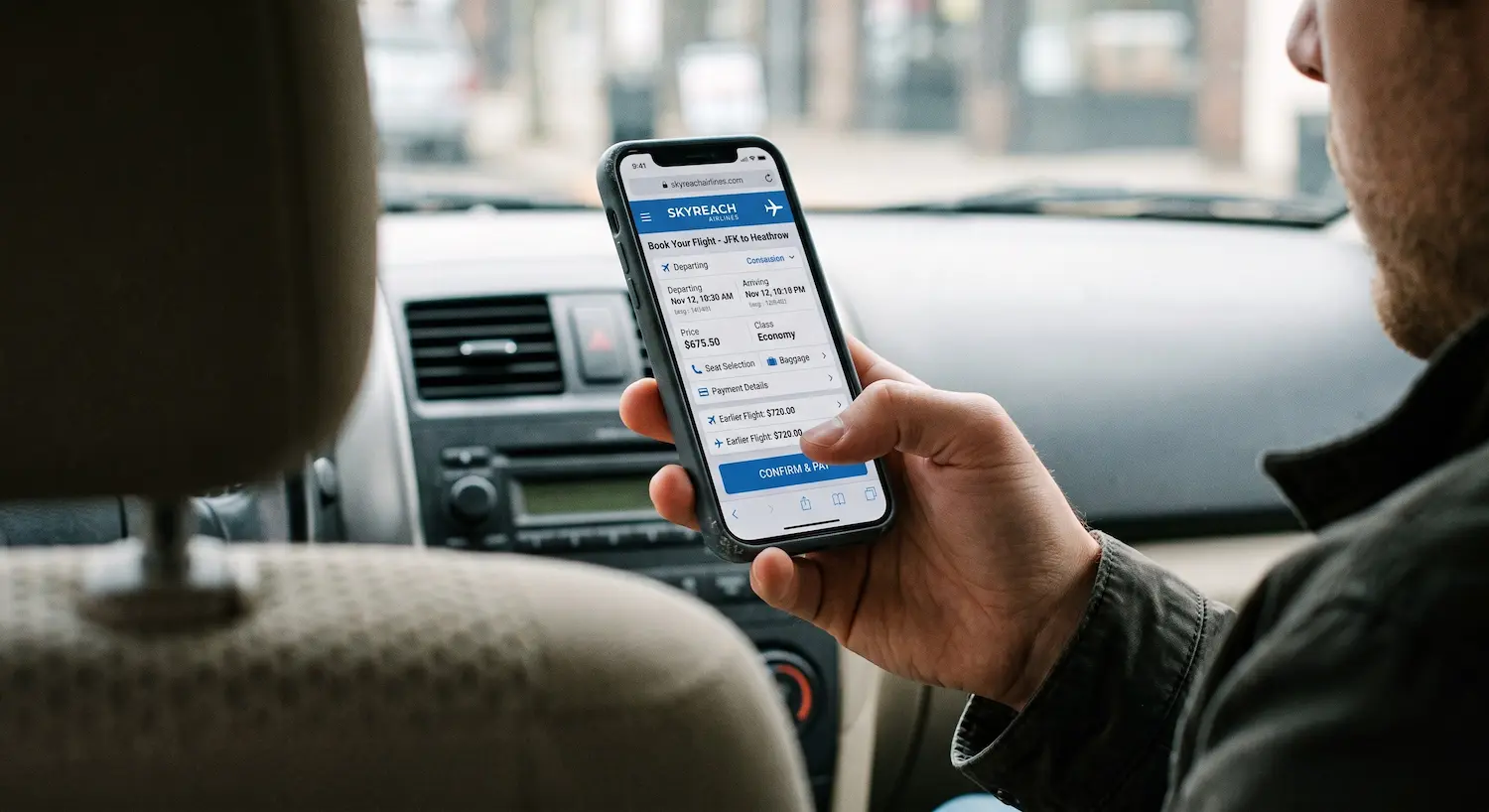
Does the site load in under 3-4 seconds on your phone, on cellular data?
Can you tap every button and link accurately with your thumb?
Can you read the text without zooming in?
These two categories have their own dedicated, deeper walkthroughs, since they each deserve more than a checkbox. Website speed and Bradenton customers and Testing your Bradenton business site on a phone. Both go step-by-step through exactly how to test these.
Category 4: Security & Technical Basics
Does your site show a lock icon in the address bar (HTTPS), not a "Not Secure" warning?
Do all your internal links and buttons actually work?
Does the site work the same in Chrome, Safari, and on both iPhone and Android?
Security is one of the few items on this list where the cost of failing is disproportionate to how small the fix usually is. 46% of people say they won't enter their name or payment information on a site flagged "not secure," and 64% of that group leave instantly rather than continuing to browse (Search Engine Land). A missing security certificate isn't a cosmetic issue, it's an instant trust cutoff for nearly half your visitors.

Category 5: Content Freshness & Accuracy
Is anything on the site referencing an old year, an expired promotion, or outdated pricing?
Are your service offerings and photos still accurate to what you actually do today?
Has anything on the site been updated in the last 12 months?
34% of consumers name outdated or inaccurate information as the single most frustrating thing about a business website (DreamHost, 2025). It's also one of the easiest categories to fail without noticing, because you stop seeing your own website after a while. A fresh, honest look (or a second set of eyes) usually catches it fast.
What we see on intake calls: the single most common item on this list that fails is a "Seasonal Menu" or "Current Promotions" section frozen in whatever month the site was built. Nobody updates it because nobody remembers it's there.
A simple habit fixes most of this: put a recurring reminder on your own calendar every few months to read your site front to back as if you were a stranger, not just glance at the homepage. Stale content rarely gets fixed by accident. It gets fixed because someone deliberately went looking for it.
Category 6: Conversion Paths
Is there an obvious next step on every page (call, book, message, visit)?
If you take bookings or reservations, does that process work smoothly on a phone?
Does your contact form actually send to an inbox someone checks?
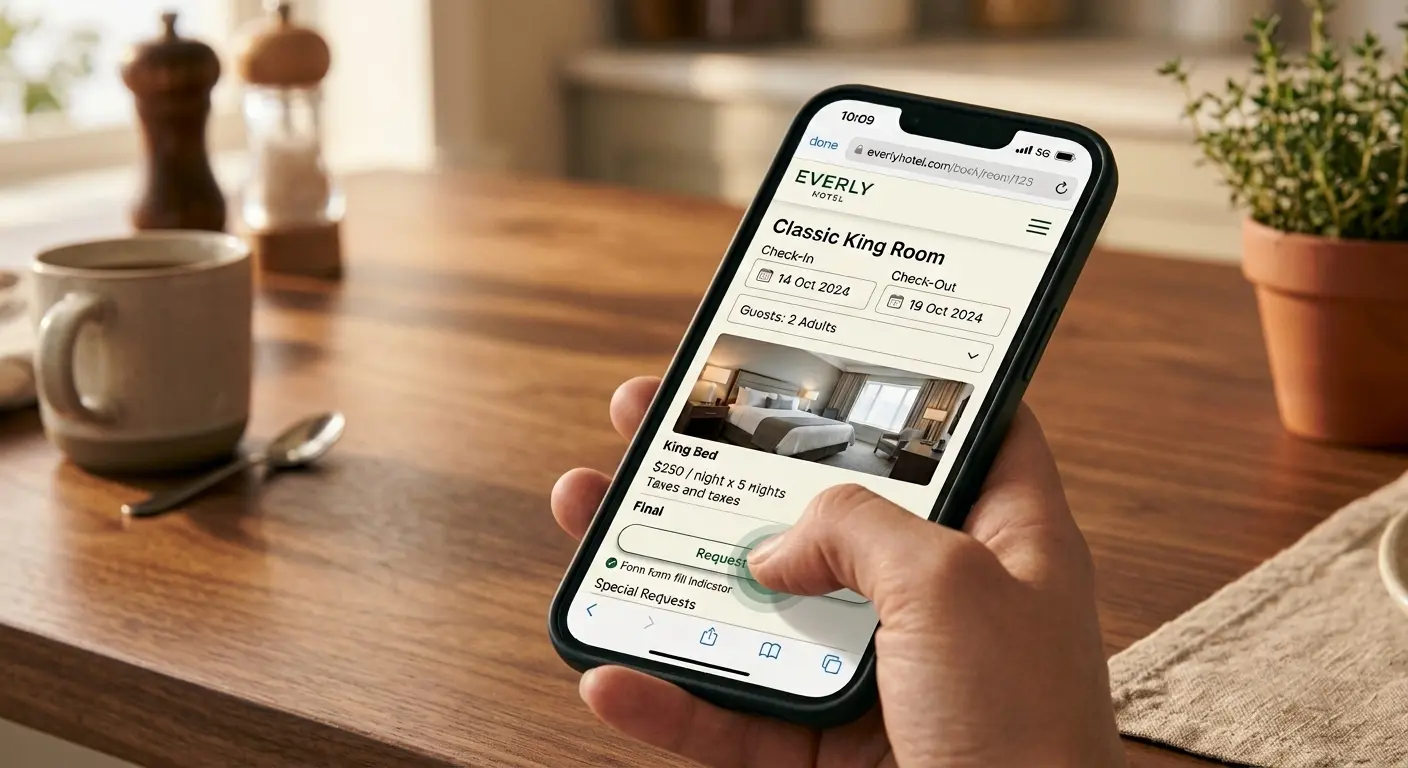
40% of consumers say they appreciate an online booking or contact form as a trust-and-convenience signal (DreamHost, 2025). A form that technically exists but silently fails to deliver is worse than no form at all. It's worth testing your own form end-to-end at least once a year to confirm it still reaches you.
[INTERNAL-LINK: how often should a small business redesign its website → Spoke 7]
Category 7: Reviews & Social Proof
Are your reviews visible or linked somewhere on the site, not just on Google?
Do you have recent reviews, not just ones from years ago?
Is there any indication of how long you've been in business or who you serve?
97% of consumers read online reviews before choosing a local business (BrightLocal, 2026). If reviews exist but are buried or never referenced anywhere on the site itself, you're leaving a trust signal on the table that customers are actively looking for.
This doesn't require a built-in review widget or any technical work. A simple link to your Google Business Profile reviews, or two or three quoted testimonials on your homepage, covers most of what this category is actually asking for.
Category 8: Basic Accessibility
Do your images have text descriptions behind the scenes (alt text), not just visually?
Is your text readable against its background. No light gray text on white, or white text on a busy photo?
Can someone navigate your site using just a keyboard, without a mouse or touchscreen?
This category rarely comes up until it matters, and then it matters a lot. Both for visitors who use screen readers or keyboard navigation, and because it overlaps directly with the same tap-target and readability standards covered in the mobile usability walkthrough. A site that's genuinely accessible tends to be a more usable site for everyone, not just the subset of visitors accessibility rules are written for.
How to Score Yourself
There's no official passing grade, but a rough guide: checking most boxes in five or more categories means your site is in reasonably good shape and probably just needs targeted fixes rather than a full rebuild. Failing most of the boxes in three or more categories, especially Categories 1, 4, and 5, is a stronger signal that the site as a whole needs more than small patches.
Not all eight categories carry equal weight, either. Failing Category 4 (security) or Category 2 (contact info) tends to matter more than failing Category 1 (first impressions) alone, simply because those two directly block someone from reaching or trusting you at all, rather than just making a weaker impression. If you only have time to fix one thing today, start there before working through the rest of the list.
Does your website need a rebuild? The complete guide
Frequently Asked Questions
How long should a website audit like this take?
About ten minutes for a first pass. Testing speed and mobile usability properly (Categories 2 and 3) takes a bit longer if you do the full walkthroughs, but the checklist itself is quick.
What's the most common category small businesses fail?
Content freshness. 34% of consumers cite outdated or inaccurate information as their top website frustration (DreamHost, 2025), and it's the easiest category to fail without noticing, since business owners stop seeing their own site clearly over time.
Do I need to fix everything on this list before it matters?
No. Fixing a handful of high-impact items. A working phone number, a security certificate, and current information usually matters more than a site that looks polished but fails on the basics.
Should I redo my whole website if I fail most of this checklist?
Not necessarily. Failing individual items across a couple of categories is usually a maintenance job. Failing most categories broadly, especially on an older or hard-to-edit platform, is a stronger signal a full rebuild is the better use of time and money.
The Bottom Line
A website audit doesn't need to be complicated to be useful. Eight categories, a handful of honest checkmarks, and you'll know more about where your site actually stands than most business owners ever bother to find out.
Want a second set of eyes on your results? [CTA: Get a free, no-pressure website audit — real answers on a real phone call, not an automated quote.]
Stay Inspired
Get fresh design insights, articles, and resources delivered straight to your inbox.