Website Speed and Bradenton Customers: How Slow Load Times Cost You Calls
Website Fixes
A slow website doesn't announce itself. Nobody calls to complain that your homepage took six seconds to load. They just leave, and you never find out why the call didn't come in. Speed is one of the few website problems that's completely invisible to you and completely obvious to everyone else.
This one goes deeper on a single piece of the rebuild-or-fix decision: how fast your site actually needs to be, what slow load times cost you in real terms, and how to find out where your own site stands instead of guessing.
Key Takeaways
Only 62% of mobile sites currently pass Google's "good" load-time benchmark, versus 74% on desktop (HTTP Archive Web Almanac, 2025).
A 0.1-second mobile speed improvement lifted travel conversions 10.1% and retail conversions 8.4% (Deloitte, 2020).
Page speed works more like a gate than a ranking booster — severe slowness hurts you, but "good enough" doesn't reliably outperform(Search Engine Land, 2026).
Test your own site on cellular data, not office WiFi. That's the experience your customers actually have.
How Fast Should Your Website Actually Load?
Google's own benchmark data shows only 62% of mobile websites currently achieve a "good" Largest Contentful Paint (LCP) score, compared to 74% on desktop (HTTP Archive Web Almanac, July 2025). LCP measures how long it takes the main content of a page to appear. In plain terms, how long someone stares at a blank or half-loaded screen before they see anything useful.
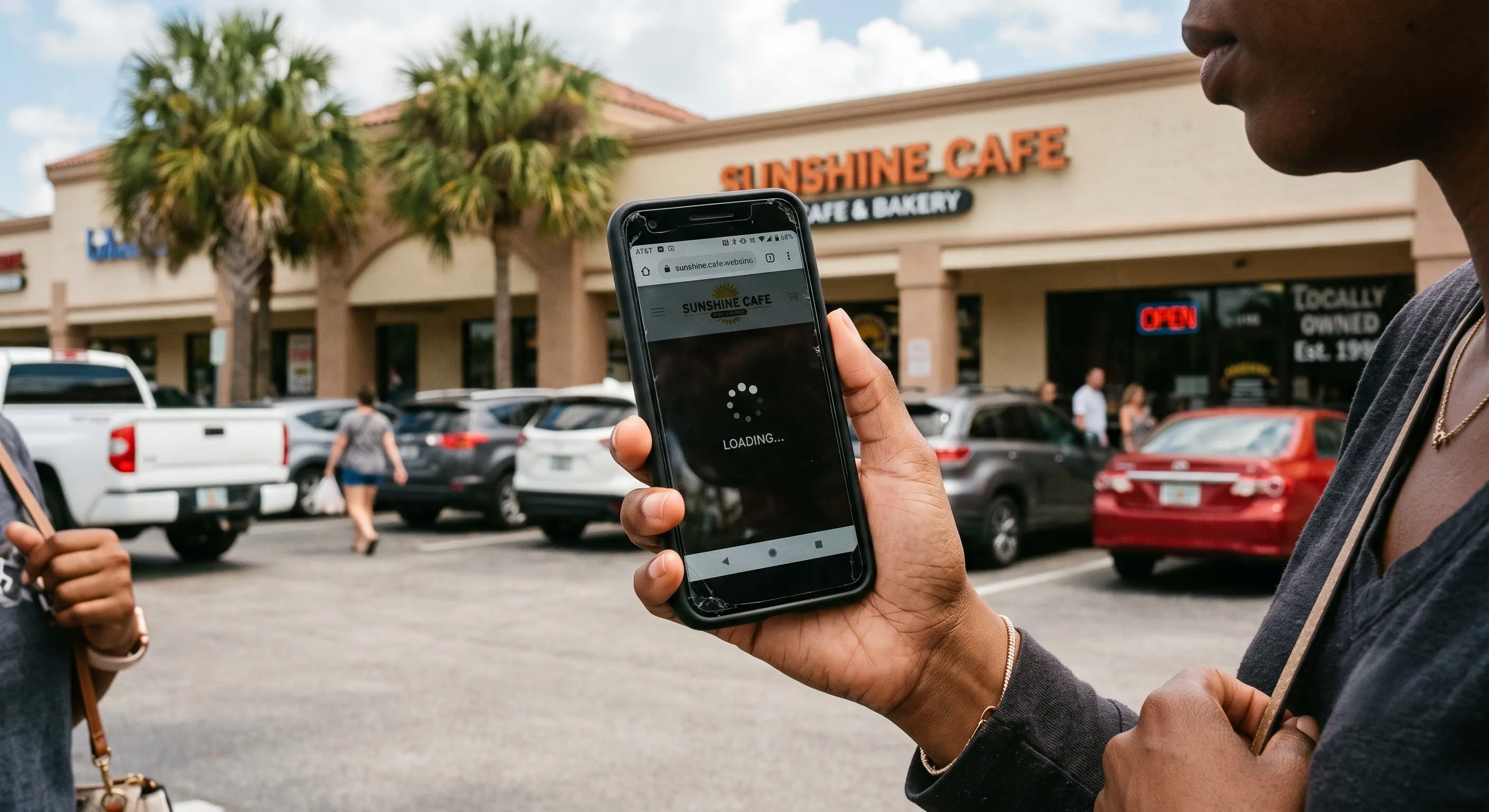
That gap between mobile and desktop matters more than it looks. Most Bradenton searches happen on a phone, often on cellular data in a parking lot or between errands. Exactly the conditions where a site that "seems fine" on office WiFi starts to drag.

If your site loads fine on your office computer, that tells you almost nothing about what a customer standing outside your storefront on their phone is actually experiencing.
7 signs your Bradenton business website needs a rebuild
What a Slow Website Actually Costs You
Deloitte's "Milliseconds Make Millions" study, conducted with Google, found that a 0.1-second improvement in mobile load time lifted travel-site conversions by 10.1% and retail conversions by 8.4% (Deloitte, 2020, https://www.deloitte.com/ie/en/services/consulting/research/milliseconds-make-millions.html). Read that again: a tenth of a second. Not a redesign. Not new photos. Just speed.
What we see on intake calls: the businesses that assume their website "must be fine" are almost always the ones who've never actually timed it. We've pulled up sites live on a call, watched them take five or six seconds to load a single hero image, and watched the owner's face change in real time.
Scale that tenth-of-a-second finding up to the three, four, or five extra seconds a bloated template or an oversized photo gallery can add, and the math stops being subtle. Every extra second is a small tax on every visitor who was ready to call, book, or buy.
How to Test Your Own Site's Speed (Not Just Guess)
Don't rely on how the site feels to you. You're on a fast connection, a device you're used to, and you already know where everything is. Here's a faster, more honest test:
Load it on your phone, on cellular data, not WiFi. This is the closest you'll get to how most visitors actually experience it.
Time it with a stopwatch, not a feeling. Anything past 3-4 seconds to see real content is worth taking seriously.
Run it through Google PageSpeed Insights. It's free, and it separates your mobile and desktop scores. It's worth doing since the gap between them is often bigger than expected.
Check a heavy page, not just the homepage. A photo gallery or services page with a dozen images will usually be your worst offender.
None of this requires technical knowledge. It requires actually looking, which is the step most business owners skip.
Testing your Bradenton business site on a phone
The Most Common Speed Killers on Small Business Sites
A handful of issues account for most of the slowdown we see on small business sites:
Oversized, uncompressed photos. A phone camera photo uploaded straight from your camera roll can be 5-10x larger than it needs to be for the web.
Third-party widgets. Booking calendars, chat popups, review plugins, and social feed embeds each load their own script, and they add up fast.
Autoplaying background video. Beautiful on a laptop, brutal on cellular data.
Template bloat. Page builders that load features and code you're not even using, just because they came bundled with the theme.
Web fonts loaded from too many sources. Every extra font file is another thing the browser has to fetch before it can show your text.
Most of these are fixable without touching your design. They're maintenance, not a redesign.
Does Page Speed Actually Affect Your Google Ranking?
Here's the honest, slightly unsatisfying answer: speed matters less as a ranking booster than most website sales pitches suggest, but more as a floor you don't want to fall below. A January 2026 analysis of over 107,000 pages found only a weak correlation between load-time scores and search or AI visibility — in the range of -0.12 to -0.18 — and concluded that Core Web Vitals function "as a gate, not a signal of excellence" (Search Engine Land, 2026).
In plain terms: making a merely-okay site slightly faster probably won't move your ranking much. But a site that's noticeably slow is being actively filtered out of search results, and increasingly of the AI-generated answers ChatGPT and Google's AI Overviews give when someone asks for a recommendation nearby.
That's a different message than "speed up your site and watch your rankings soar." It's closer to: don't let speed be the reason you're invisible, but don't expect shaving off milliseconds to be a growth strategy on its own.
[INTERNAL-LINK: the Bradenton small business guide to getting found online → Pillar 2 hub page on local search and AI visibility]
What Actually Fixes a Slow Website
The fix depends on what's actually slow, which is exactly why testing first matters more than guessing. In rough order of impact for most small business sites:
Compress and properly size every photo before it goes on the site.
Cut third-party widgets down to the ones you actually use.
Replace autoplay video backgrounds with a static image, or a video that loads on click.
Move off a platform that bundles in code and features you don't use, if you've hit that ceiling.
Sometimes that's a maintenance pass. Sometimes, especially on an old or heavily templated site, the honest answer is that patching speed problems one at a time costs more in the long run than starting clean.
Does your website need a rebuild? The complete guide
Frequently Asked Questions
What's considered a "good" website load time?
Google's own benchmark treats a Largest Contentful Paint under 2.5 seconds as good — but currently only 62% of mobile sites and 74% of desktop sites actually hit that mark (HTTP Archive, 2025). If your site is noticeably slower than that on a phone, it's worth investigating.
Will a faster website automatically rank higher on Google?
Not automatically. Research on over 107,000 pages found only a weak correlation between speed and search visibility (Search Engine Land, 2026). Speed mainly protects you from being filtered out for being too slow, rather than boosting you for being fast.
Can I fix a slow website without a full rebuild?
Often, yes. Image compression, trimming third-party widgets, and removing autoplay video handle most cases. A full rebuild becomes the better option when the slowness is baked into the platform itself, not just the content on top of it.
How do I know if it's my website or just my internet connection that's slow?
Test on your phone using cellular data, away from your office WiFi, and compare it to a competitor's site on the same connection. If theirs loads noticeably faster on the same network, the difference is your site, not your signal.
The Bottom Line
Speed is one of the easiest website problems to ignore, because it's invisible to you and silent to your customers. They just leave. Test your own site on your phone, on cellular data, before assuming it's fine. If it's not, most of what's slowing it down is fixable without a full rebuild.
[INTERNAL-LINK: free, no-pressure website audit → contact/consult page]
Not sure whether your site's speed problem is a quick fix or something bigger? [CTA: Get a free, no-pressure website check — real answers on a real phone call, not an automated quote.]
Stay Inspired
Get fresh design insights, articles, and resources delivered straight to your inbox.